Adding Drug Information
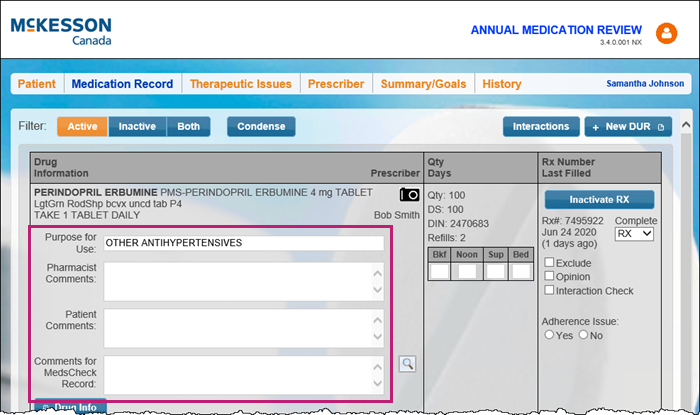
The Purpose for Use, Pharmacist Comments, Patient Comments, and Comments can be added to the Medication Record tab for each prescription. Dosage instructions can also be entered here. Any information entered in these fields will also be carried forward to the next review launched for the patient, provided the review was completed in Patient Centre.
To add drug information:
- In the medication review, select the Medication Record tab.
- Enter the following information:
- Purpose for Use
- If a Purpose for Use is not indicated, the therapeutic class of the drug will be printed on the form.
- Pharmacist Comments
- Pharmacist Comments are not printed on the form.
- Patient Comments
- Patient Comments are not printed on the form.
- Comments for MedsCheck Record
Note: Select the magnifying glass icon
 next to the Comments for MedsCheck Record to select a shortcut for frequently used comments.
- Comments for MedsCheck Reocrd will print on the Patient Medication Record.
- Purpose for Use